Support Long-Term Kaufland Inventory Management with M2E Cloud

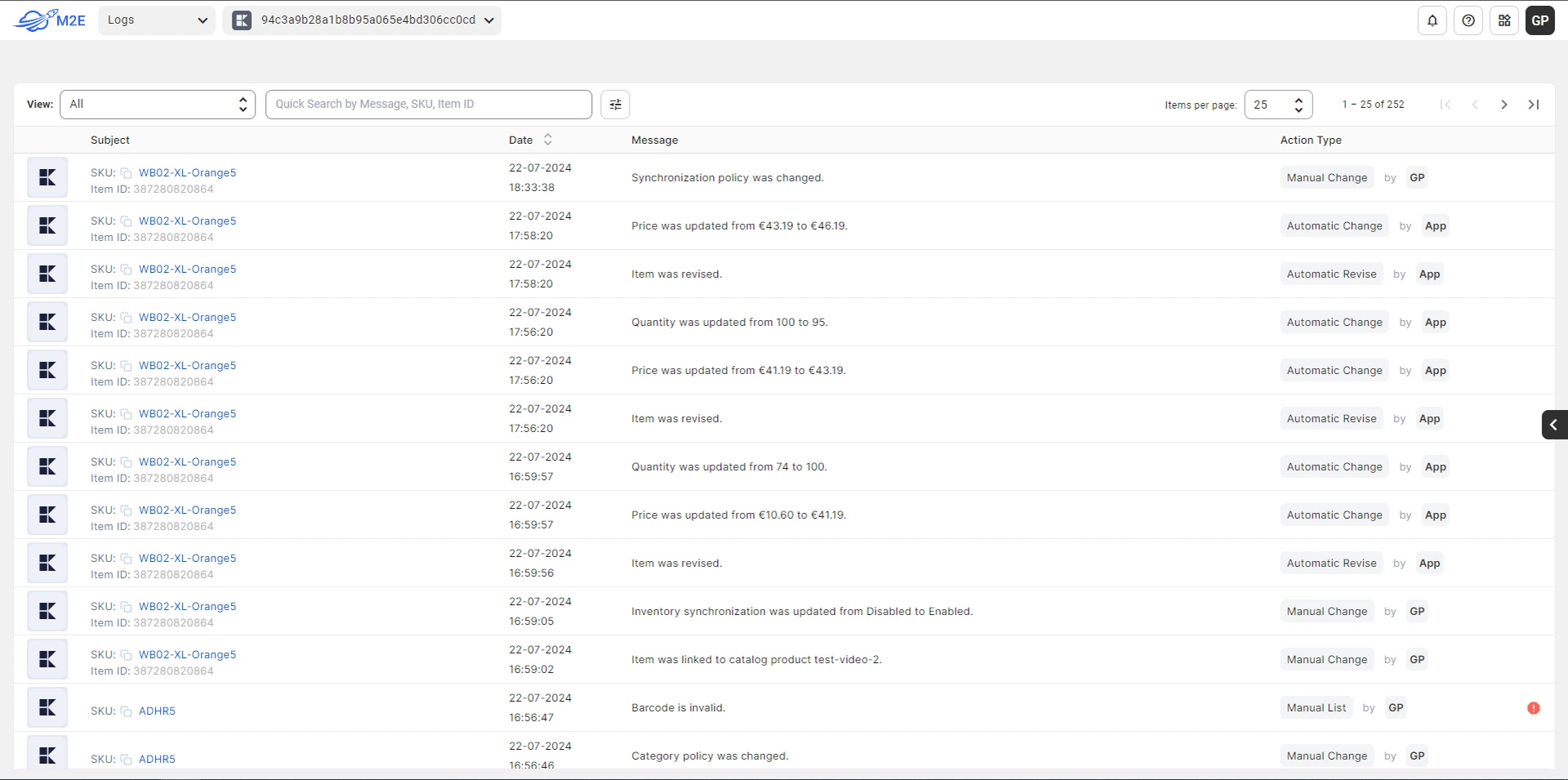
On Kaufland, inventory mismatches are not just inconvenient – they can affect listing visibility and order processing. Even small quantity differences can trigger issues. M2E Cloud helps manage Kaufland inventory by keeping stock synchronized between your store and the marketplace.

Reduce manual corrections across large catalogs

    Managing inventory manually becomes difficult as product assortments grow. M2E Cloud automatically updates product quantities in your store and on Kaufland Global Marketplace after sales or stock changes, which helps you avoid constant edits and repetitive checks.

Set a defined stock source for Kaufland listings

    During listing setup, you decide which online store locations supply inventory for Kaufland products. You have control over which stock is used for listings, without changing how inventory is managed in your system.

Keep listing availability aligned with real stock

    With M2E Cloud, Kaufland listings reflect whether products can be purchased based on the current stock situation. This way, you can prevent cases where buyers attempt to order items that are no longer available.

Limit exposed stock on Kaufland listings

    Set Kaufland quantities lower than your actual store inventory to control how much stock is shown on the marketplace. In addition, you can reserve a specific part of the inventory in your store for backorders or multi-marketplace sales.
Product analytics

Start selling globally

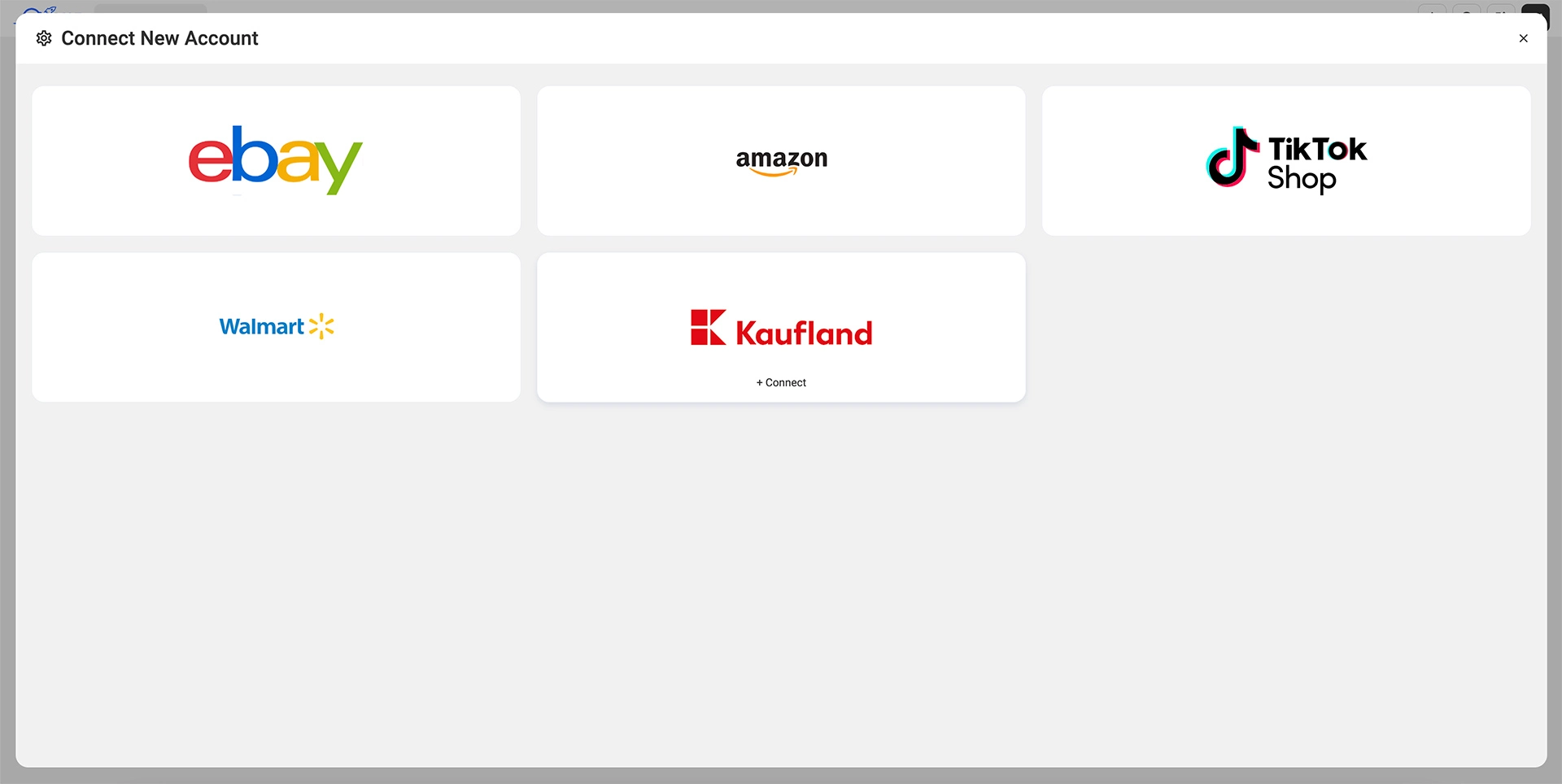
M2E Cloud allows you to sell on all Kaufland marketplaces:
Flag of Germany Germany
Flag of Austria Austria
Flag of Poland Poland
Flag of Czech Republic Czech Republic
Flag of Slovakia Slovakia
Flag of Italy Italy
Flag of France France
Kaufland Integration
Start Selling on Kaufland
Ecommerce API
Amazon MCF
Didn’t find the desired integration?

Discover our integrations
to boost your business

Kaufland Listing Service

List Products Using M2E Guides

Create Kaufland listings on your own with guided steps and built-in validation.

Listing Service

Rely on the M2E expert team to set up and publish your Kaufland listings.
Start listing service

Pricing

Try M2E for free, no credit card required. No hidden fees.

Starter

Up to $ 600 total monthly sales allowance (GMV)
$ < 600 £ < 600 € < 600 AU$ < 600
Free
Free
Free
Free
– Ticket support
– Up to 600 monthly sales allowance

Starter 5K

Up to $ 5000 total monthly sales allowance (GMV)
$ 5,000 £ 5,000 € 5,000 AU$ 5,000
19
$
/month
19
£
/month
19
/month
19
AU$
/month
– Ticket support
– Up to 5,000 monthly sales allowance
$ 6 per additional $ 1,000 outside of the monthly allowance

Starter 10K

Up to $ 10000 total monthly sales allowance (GMV)
$ 10,000 £ 10,000 € 10,000 AU$ 10,000
39
$
/month
39
£
/month
39
/month
39
AU$
/month
– Ticket support
– Up to 10,000 monthly sales allowance
$ 6 per additional $ 1,000 outside of the monthly allowance

Starter 20K

Up to $ 20000 total monthly sales allowance (GMV)
$ 20,000 £ 20,000 € 20,000 AU$ 20,000
79
$
/month
79
£
/month
79
/month
79
AU$
/month
– Ticket support
– Up to 20,000 – monthly sales allowance
$ 6 per additional $ 1,000 outside of the monthly allowance

Business 100K

Up to $ 100000 total monthly sales allowance (GMV)
$ 100,000 £ 100,000 € 100,000 AU$ 100,000
399
$
/month
399
£
/month
399
/month
399
AU$
/month
– Ticket support
– Up to 100,000 monthly sales allowance
$ 5 per additional $ 1,000 outside of the monthly allowance
You can sign up for free to get started with a 30-day free trial. The Starter plan gives you free access and the opportunity to test the platform, which includes $600 GMV per month.


FAQ

How to manage Kaufland inventory?

At Kaufland, inventory management mainly comes down to keeping listing quantities accurate as stock changes in your store. Most sellers use software that updates Kaufland Global Marketplace quantities automatically after sales, so listings stay in sync without manual adjustments. M2E Cloud handles this by updating Kaufland product stock based on your store inventory whenever quantities change.

How does a Kaufland seller track inventory?

Kaufland sellers usually track inventory by linking marketplace quantities to their main store or ERP system, rather than updating stock in the Kaufland interface. Tools like M2E Cloud use store inventory data to keep Kaufland listings updated as sales happen, which is especially important for managing large catalogs or frequent stock changes.

It allows sellers to monitor inventory from one system instead of maintaining separate spreadsheets or manual checks for Kaufland.

User reviews

Outstanding Support from M2E Multichannel Connect Team! When part of the M2E Multichannel Connect plugin stopped working, I reached out to their support team and was genuinely impressed by the experience. They responded quickly, clearly understood the issue, and guided me through the solution step by step. What could have been a stressful situation was resolved smoothly and efficiently, thanks to their professionalism and expertise. It’s rare to find support this responsive and knowledgeable—huge thanks to the M2E team! Highly recommended!

5,0
M2E Cloud review
Average rating of our users

Skyrocket your sales and save time with M2E Cloud